+180 countries
+R$ 500M processed
500 mil creators
Apple Pay
iPhone and Mac users
Google Pay
Android and Chrome users
PayPal
400M+ users worldwide
Samsung Pay
Samsung device users

Your customer arrives at checkout. Instead of filling out a form, they click the digital wallet button. Authentication via Face ID, Touch ID or password. Payment processed in seconds. No typing. No typos. No abandonment out of frustration.
Paid membership platforms charge for:
Out of every 100 people who reach your checkout, 70 to 80 give up before completing the purchase.
Form too long. Too many fields. Too much friction.
Real scenario:

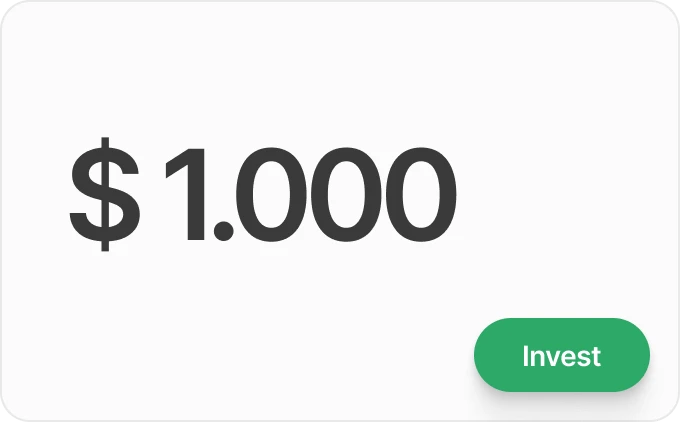
in paid traffic

reach checkout.
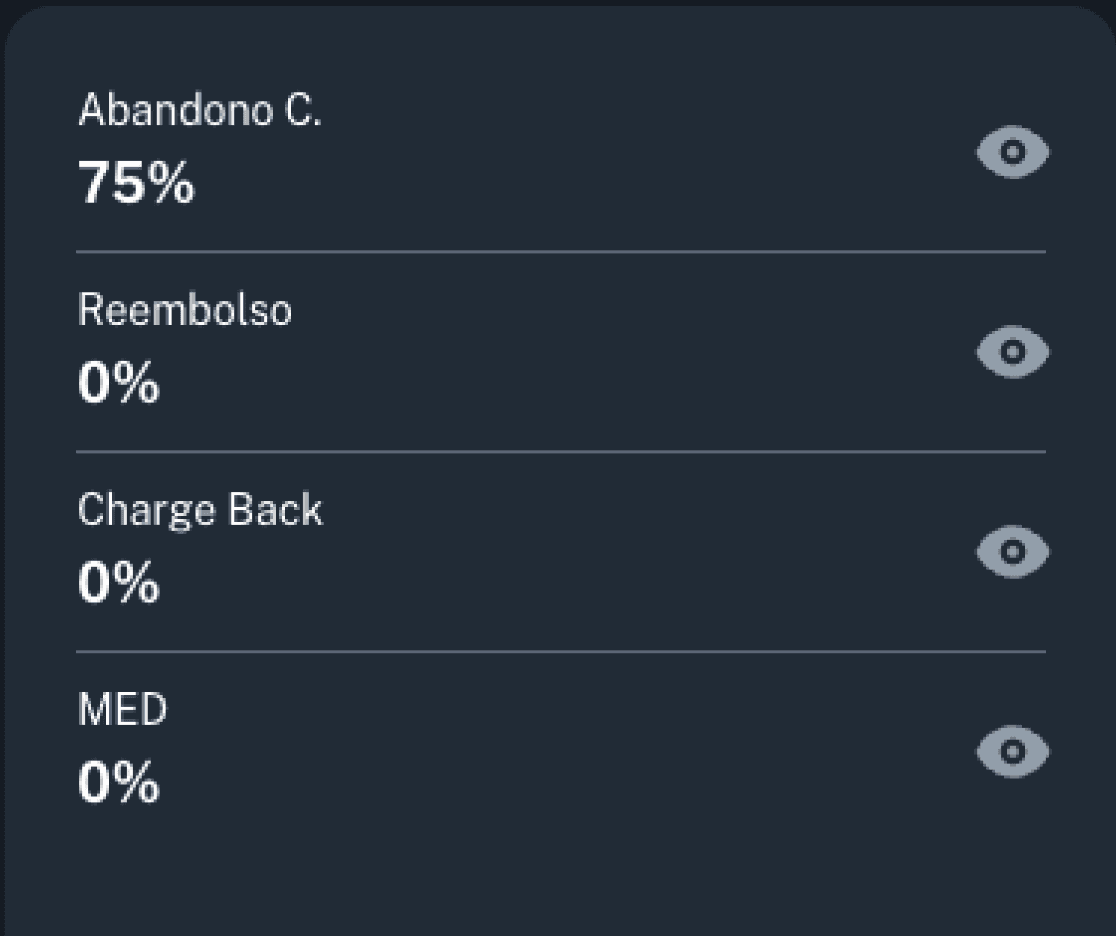
250 sales.
With digital wallets and 65% abandonment: 350 sales.
Difference: 100 extra sales with the same investment.
Without spending a single extra dollar on traffic.

Traditional Checkout (with form):
Customer types card number directly into your checkout
Card data passes through your page
Risk of interception, phishing and keyloggers
You assume responsibility for data breaches
Fraud chargebacks are common
Customer clicks the wallet button (Apple Pay, Google Pay, etc.)
Wallet requests biometric authentication
Data is never typed or exposed
A unique token is generated for that transaction
If fraud occurs, liability falls on the wallet or bank
For you as a seller:
Fewer fraud chargebacks
Less liability over sensitive data
Fewer payment disputes
More operational peace of mind
For your customer:
Faster purchase
Protected data
Confidence to buy
Premium experience
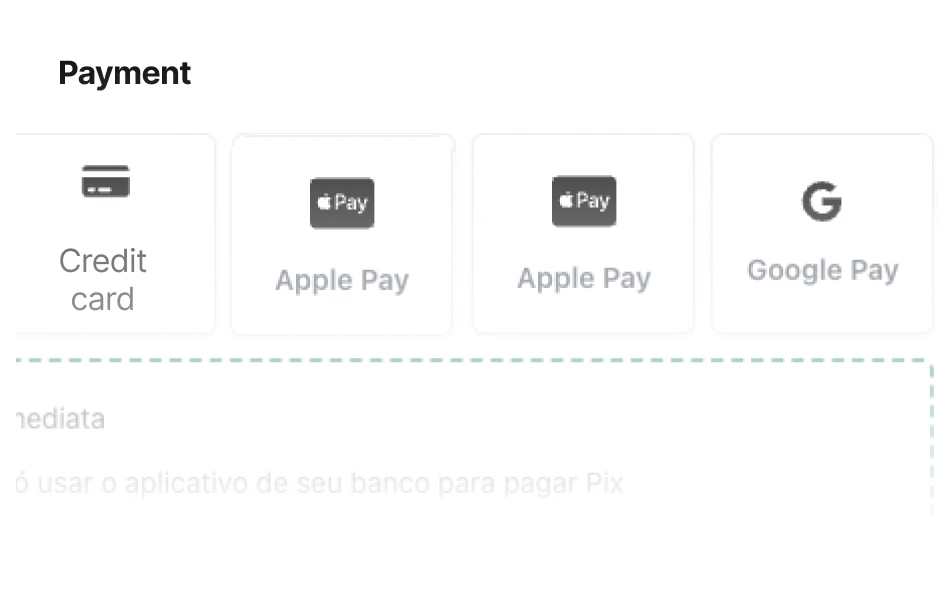
Customer arrives at the payment page and sees the digital wallet buttons.
Clicks Apple Pay (iPhone users), Google Pay (Android users), PayPal or Samsung Pay.

Face ID, Touch ID or device password. 2 seconds.

Payment approved. Purchase complete.
Compare that with:
Which experience do you want to offer your customer?
1. Access the Cakto Dashboard
Log in to your account.
2. Go to Product Settings
Select the product you want to configure.
3. Open "Payment Methods"
Find the payment methods section.
4. Enable Digital Wallets
Check: Apple Pay, Google Pay, PayPal, Samsung Pay.
5. Save
Done. The wallets now appear in your checkout.
Each wallet has its own audience
Carteira
Público Principal
Alcance
You are excluding customers who prefer digital wallets. You are
creating unnecessary friction. You are losing sales that could have been instant.
Every customer uses what they already know. Zero learning curve.
Maximum conversion across every audience profile.
FAQ
Frequently Asked Questions
Which digital wallets does Cakto accept?
Cakto accepts the major digital wallets: Apple Pay, Google Pay, PayPal and Samsung Pay, all natively integrated at checkout.
Are digital wallets safe for payments?
Yes, extremely safe. Card data is never typed or exposed. Authentication is biometric and payment uses tokenization, generating a unique code for each transaction.
How much does it cost to accept digital wallets on Cakto?
The rate is the same as credit card: 3.89%. There are no additional costs for accepting digital wallets.
How do digital wallets increase conversion?
They eliminate checkout friction. Instead of filling out multiple fields, the customer authenticates in 2 seconds and the purchase is done. Less friction means fewer abandonments and more completed sales.